

Premium apps deserve a premium iPhone Duo experience
Optimize your iOS app for iPhone Duo form factor
Optimize your iOS app for iPhone Duo form factor
Get your iPhone Duo app optimization check
We review your current app and flag exactly what full iPhone Duo support would take.
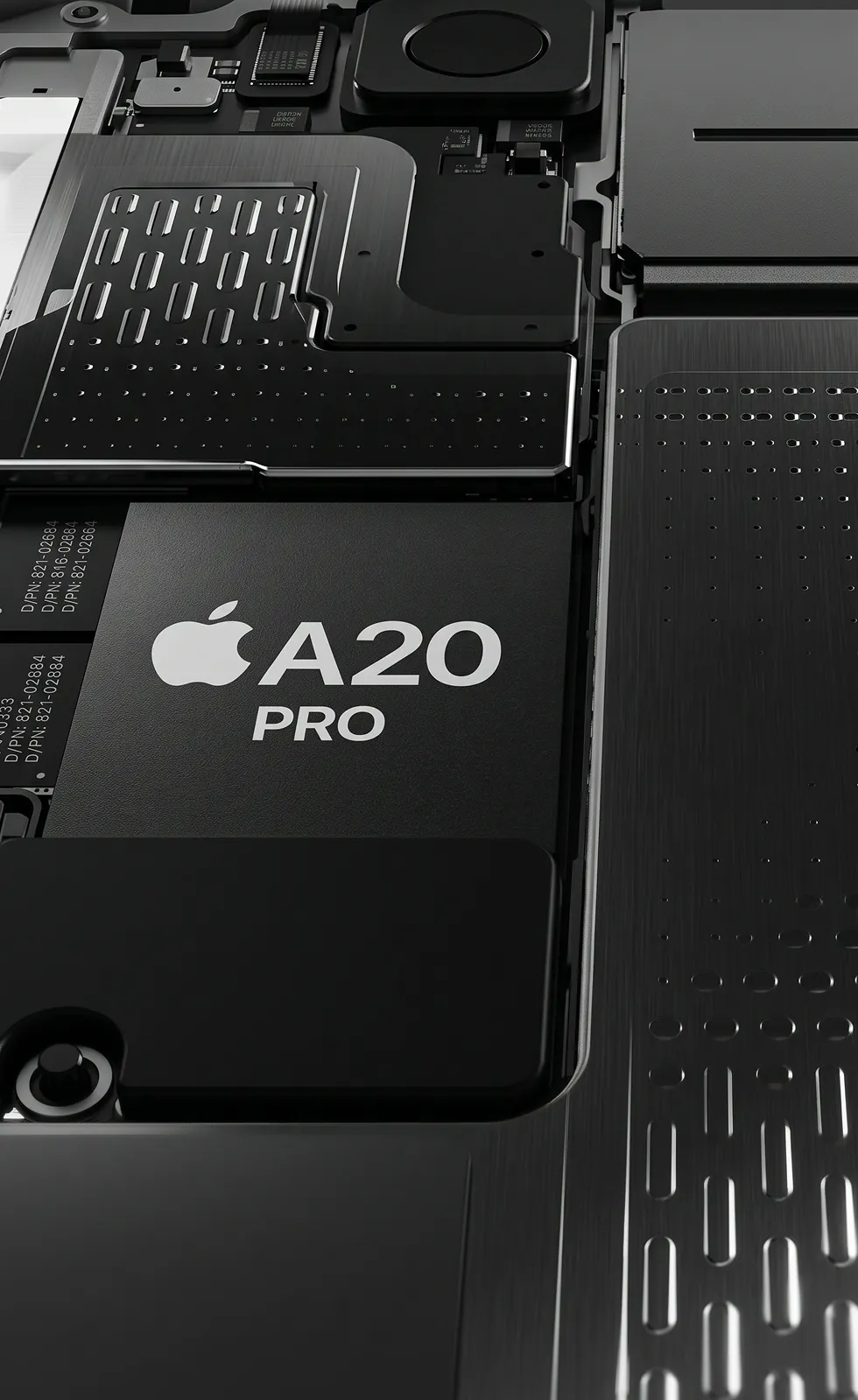
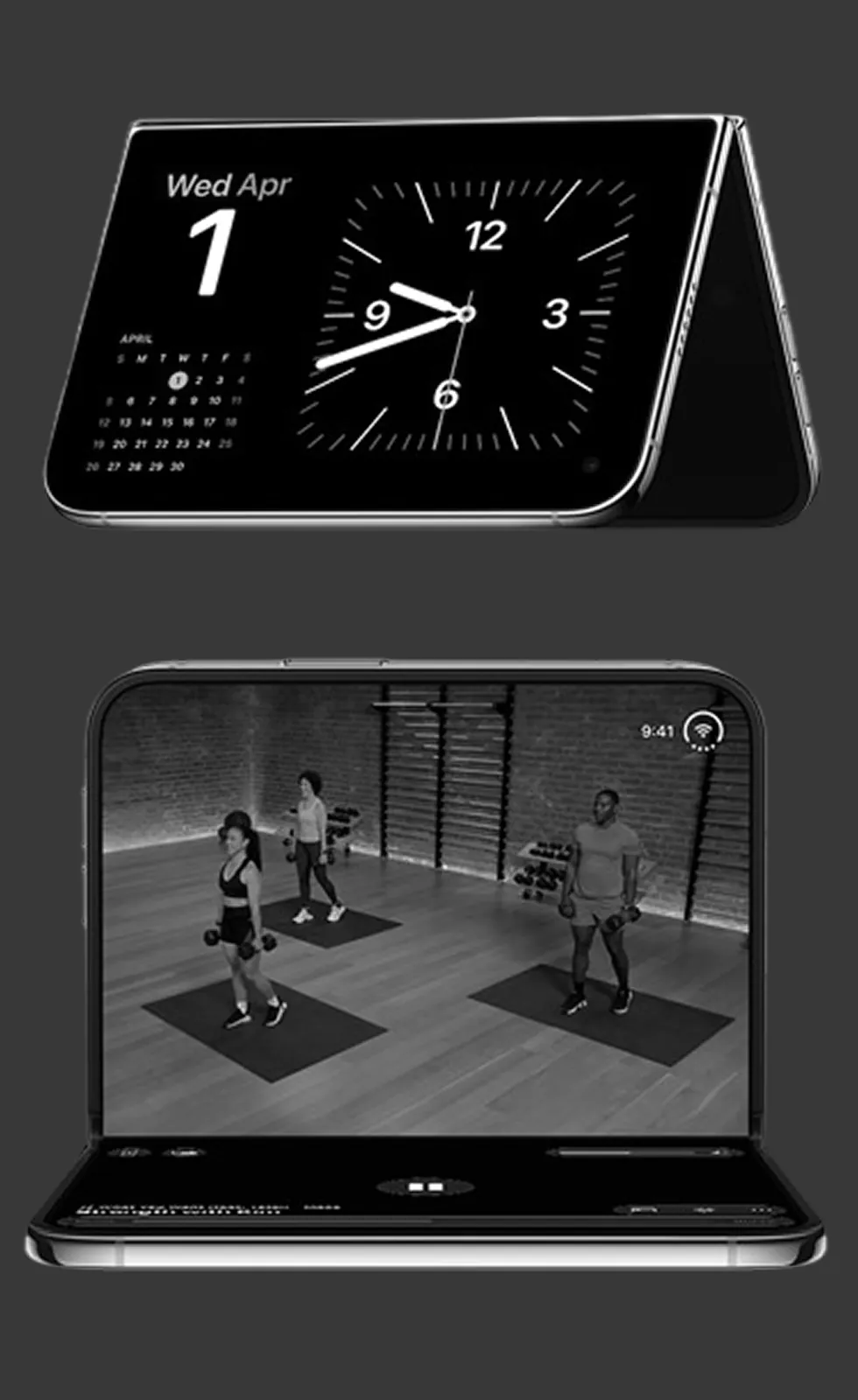

iOS 27.1 SDK ready

Split View & Duo layouts

No black-bar launches
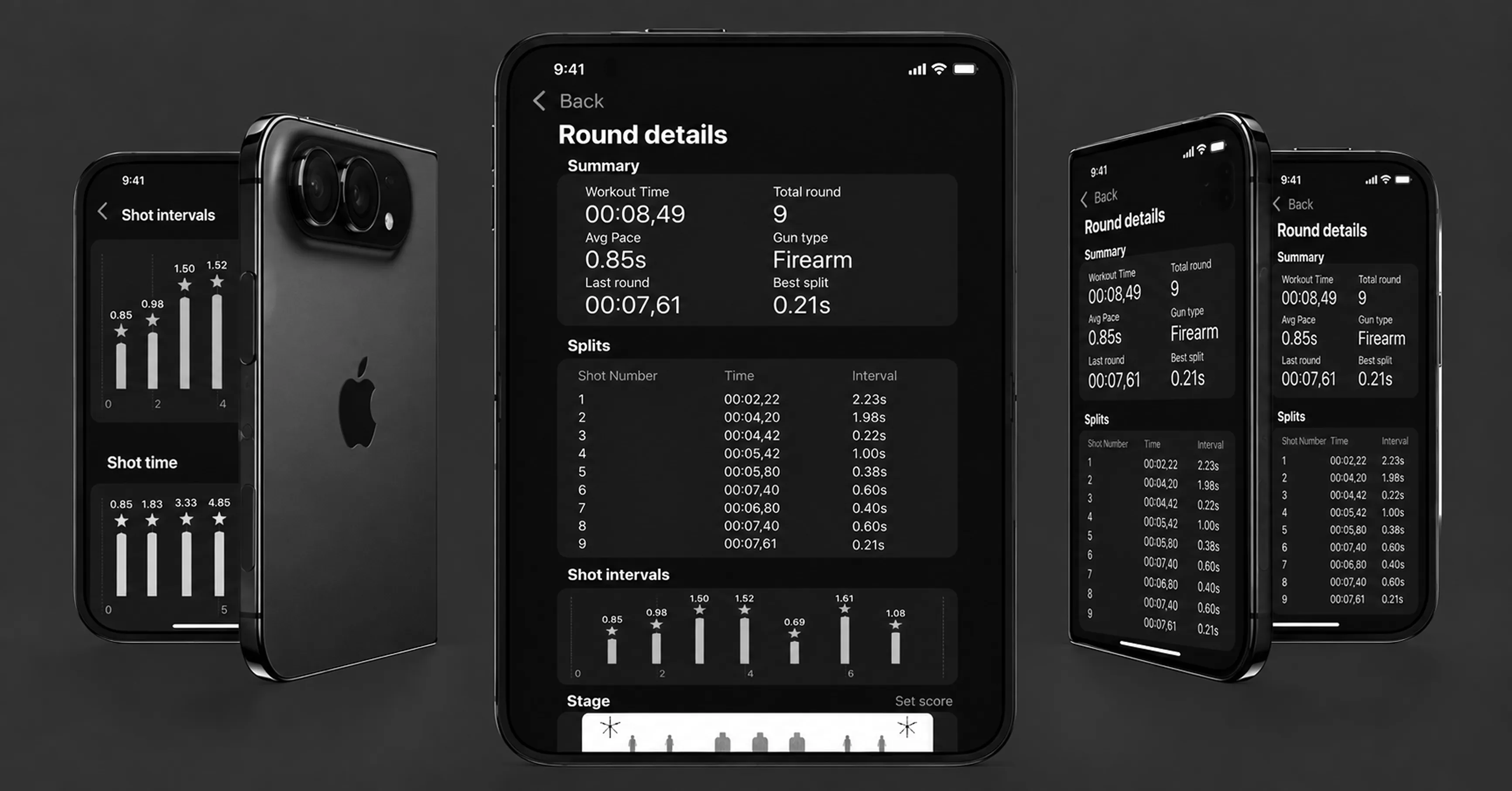
Will your premium app get the black-bar treatment?
Every app runs on iPhone Duo the day it ships. Whether it runs well depends entirely on whether anyone rebuilt it for the fold.
01
Beyond letterboxing
We rebuild for the iOS 27.1 SDK first — the difference between black bars on both displays and a screen that's actually used.
02
Layouts built for every fold state
Closed, open, tented or mid-fold — size classes and reserved regions replace fixed frames and orientation checks that don't hold up anymore.
03
Design for the extra space
Split View, Arrangements and scene accessories turn the inner display into a feature, not just extra room to fill in.
Engineering rigor built in extreme environments
The same engineering discipline behind Endcode's dive, defense and precision-sport work, now applied to your iOS product.

SEAC SUB
Dive equipment

SMARTY
5G connectivity

INSTRUCTOR ZERO
Survival & expeditions

GATE ENTERPRISE
Airsoft equipment

NIKK SAKK
AEG customization

AROX
Hardware partner
iPhone Duo app optimization, technically
What actually changes in your codebase, in order of effort.
What "it still works" actually means

An app left as-is still runs, but boxed in by black bars on both displays, in portrait only. Rebuilding against the iOS 27 SDK claims more of the inner display. Full iOS 27.1 adoption unlocks edge-to-edge layout, with toolbar controls arranged for the fold instead of a shrunk phone screen.
How we approach the layout problem
We replace orientation checks and fixed-frame math with size classes, handle left and right safe areas independently, and query the hinge and camera as reserved regions — so custom controls avoid the fold without hardcoded coordinates.
Where the real opportunity sits
Past the baseline fix, we assess whether split or overlay layouts, the hinge API for physical interactions, and multi-window support are worth adopting for your specific screens — not applied by default just because they exist.
Can't our own team just resize the layout when they get to it?
Probably, for the baseline fix — layout work here is closer to iPad support than new territory. What most teams skip is the product decision: which screens earn Arrangements, split view or the hinge API, and which don't need them at all.

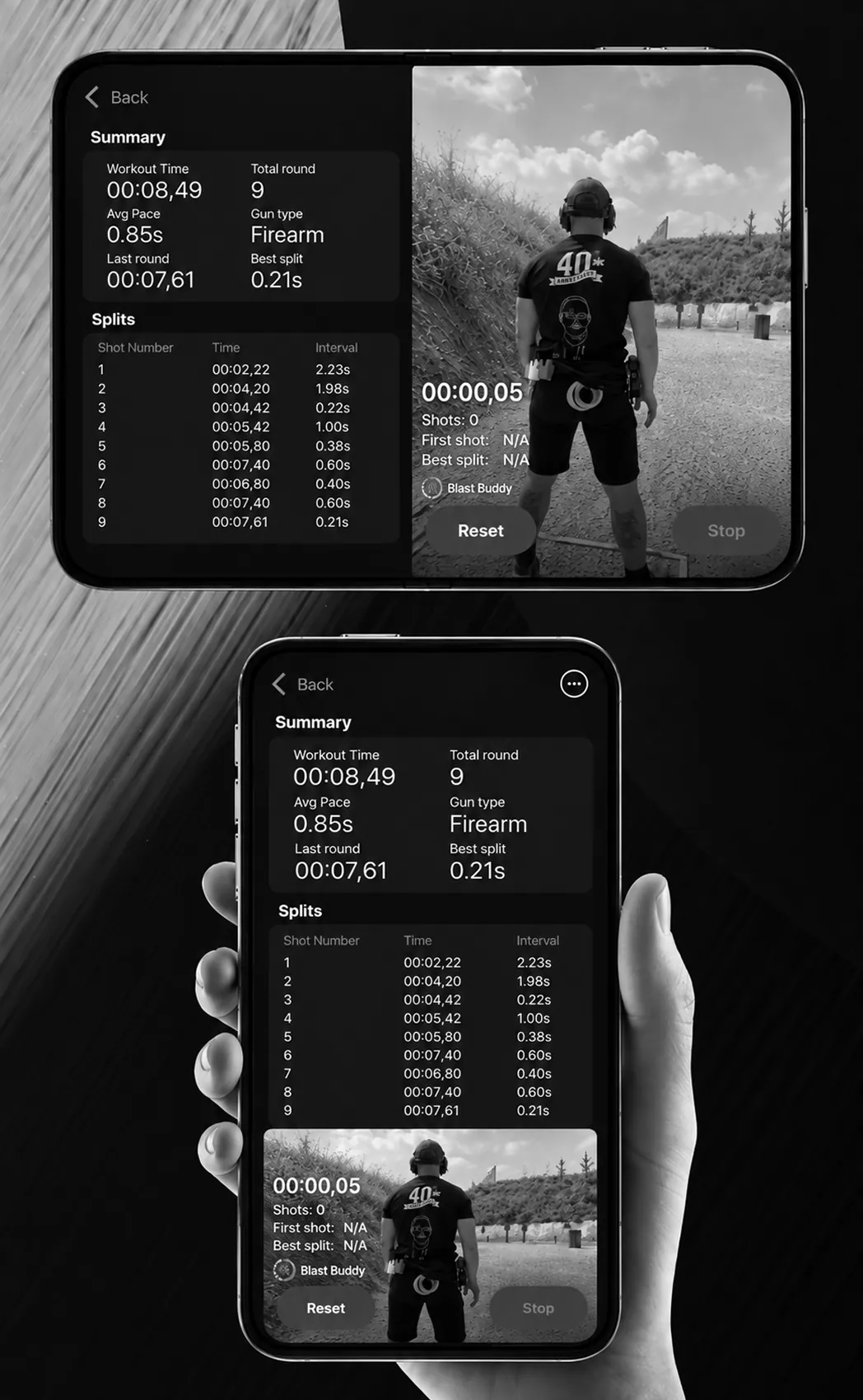
Know exactly what your app needs before October 23
Know exactly what your app needs before October 23